
Computer Fundamentals
Identify computer parts and learn how to operate devices responsibly.
Where young minds explore computers, develop digital confidence and turn curiosity into practical skills through engaging, age-appropriate activities.
Our computer learning activities introduce students to essential digital skills through guided lessons, practical exercises and creative projects. From basic mouse and keyboard control to presentations, introductory coding and responsible technology use, learners build confidence step by step.
Technology education is about more than using devices. It helps learners think logically, communicate clearly, create confidently and use digital tools responsibly.
Identify computer parts and learn how to operate devices responsibly.
Practice keyboard control, accurate typing and confident navigation.
Explore drawing, presentations and creative digital projects.
Develop sequencing, patterns, problem-solving and introductory programming skills.
Learn privacy, respectful communication and safe browsing habits.
Work together on age-appropriate practical tasks and presentations.
An illustrative progression of practical skills for different school stages. Specific lessons follow the school's approved class syllabus.
Explore learning spaces and activities. Upload the school's actual lab photographs to the paths below to display them here.
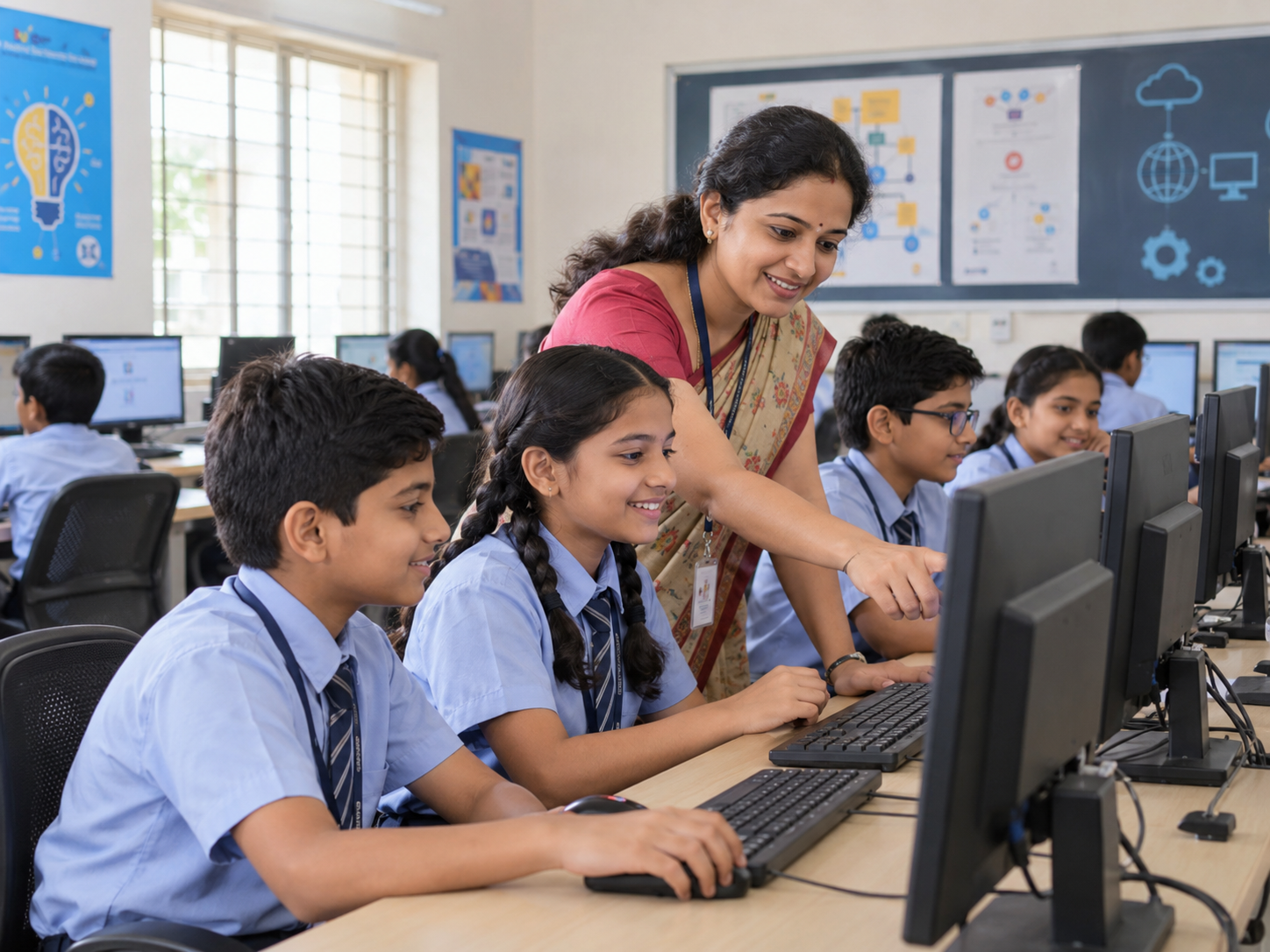
Practical sessions and guided exploration
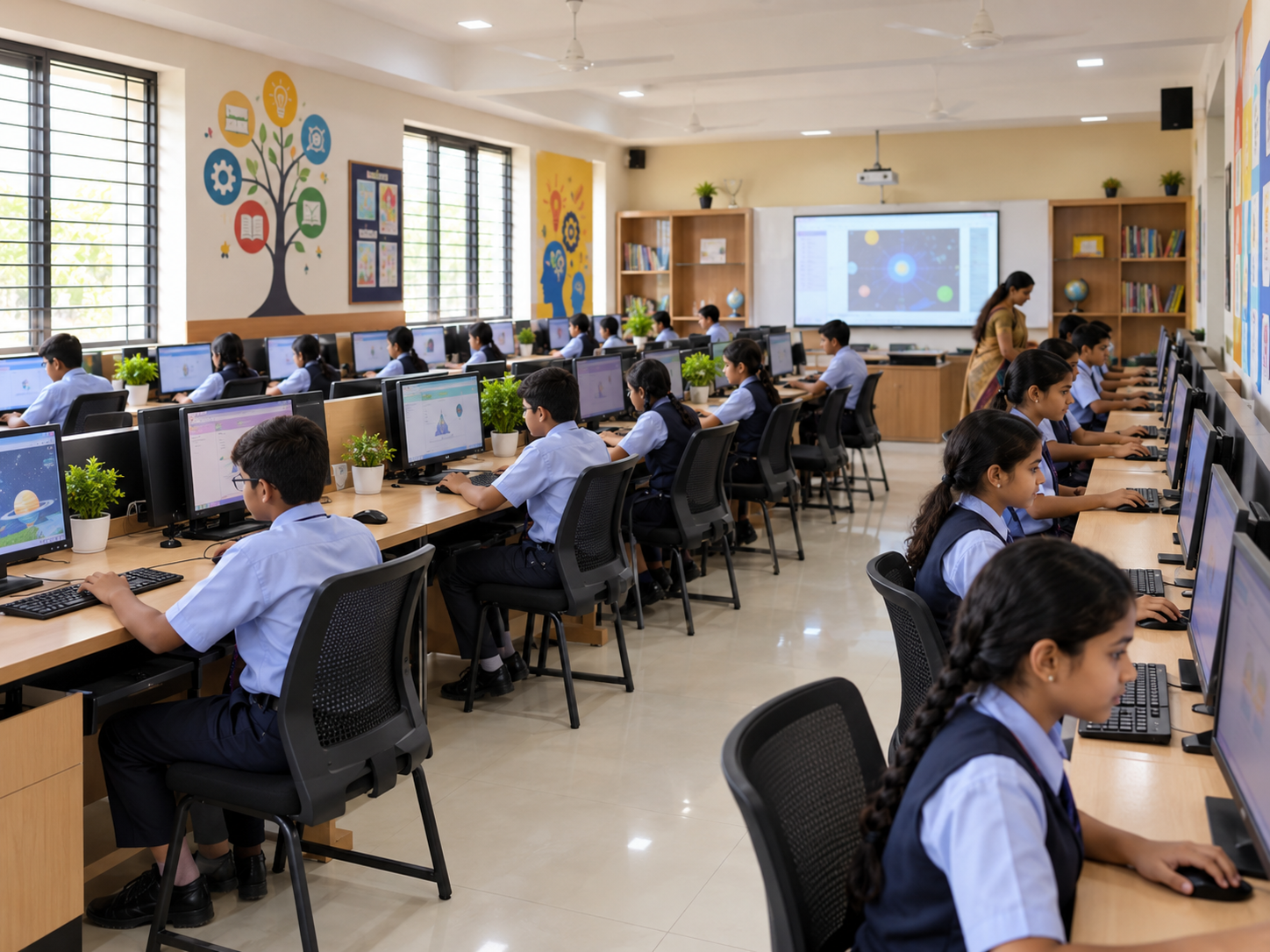
Collaborative lessons and demonstrations
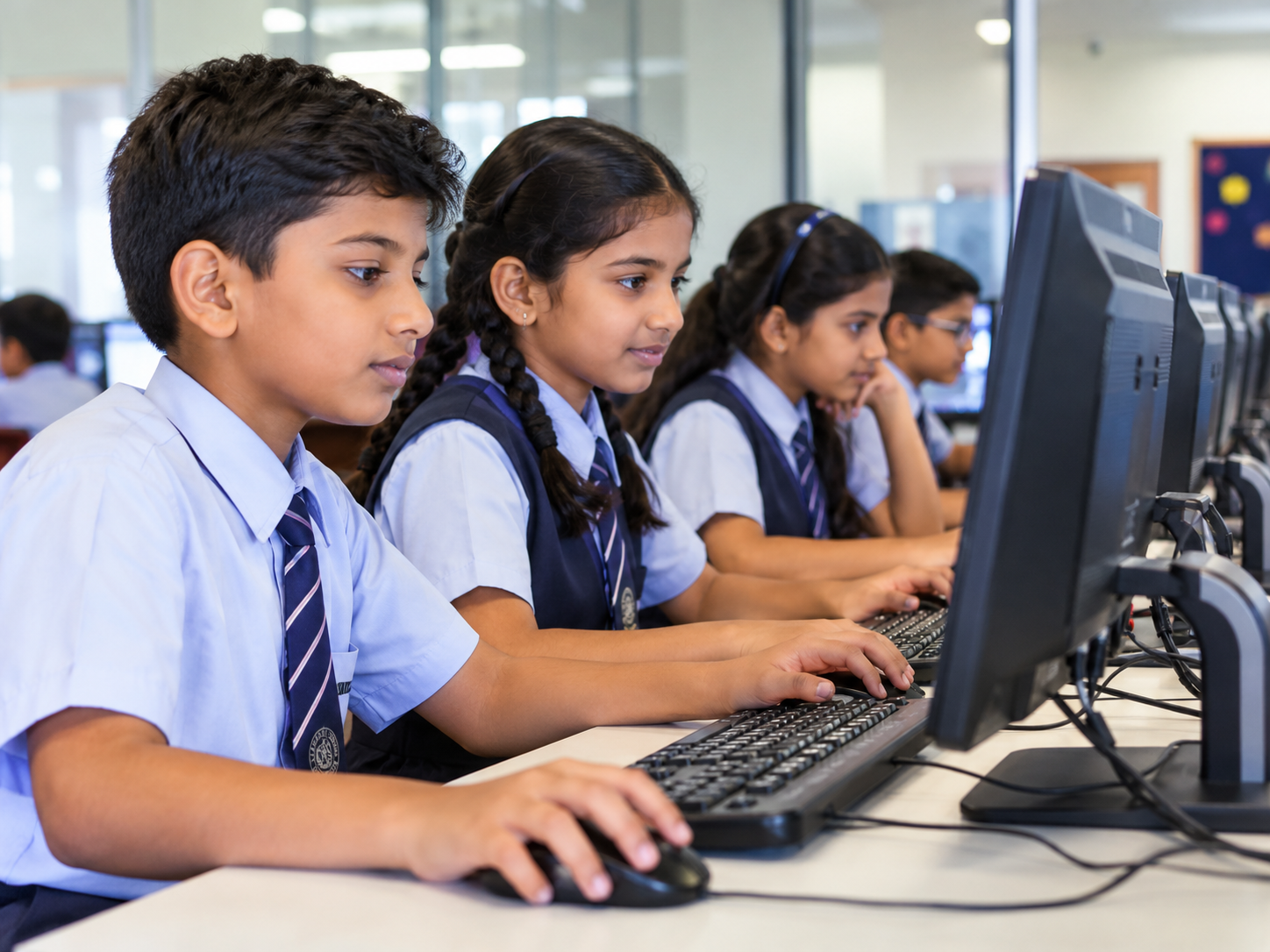
Drawing, typing and project-based activities
Explore admissions and school programs at Vishweshwarayya Public School, Latur.